- Home
-
Start Here The Trust Audit 25-criteria audit built for coaches £17 — delivered in 60 seconds Friction Audit Lite Mark personally reviews your website £97 — delivered in 36 hours
Video Production The Friction Fix 3 videos in one morning £750 Friction Partner Retainer Ongoing monthly video production £1,500/month · Coming soon See all coach and consultant pricing → -
Start Here The Friction Snapshot 25-criteria automated website audit £17 — delivered in 60 seconds Friction Audit Lite Mark personally reviews your website £97 — delivered in 36 hours
Video Production Quick-Start Sprint 1 shoot day — up to 5 Selling 7 videos £2,500 · Coming soon Selling 7 Accelerator 2 shoot days — up to 10 videos + workshop £5,000 · Coming soon Friction Partner Retainer Ongoing monthly Selling 7 production £1,500/month · Coming soon See all B2B pricing → - Pricing
 Free Resource
Your "Contact Us" page is losing you leads.
Here's exactly why. And how to fix it.
Someone found you, clicked through, read your stuff, liked what they saw — and then landed on your form page and thought "Nope." This free cheat sheet tells you why that keeps happening and what to do about it.
✓ Completely free ✓ No spam. Ever. ✓ Unsubscribe any time
Someone is on your form page right now.
They're about to leave.
They searched for what you do. They found you. They read your stuff. They were interested enough to click through to your contact page. And then something stopped them.
Not a competitor. Not the price. Not a bad review. Your form page.
"Give us your name, email, phone number, company name, job title, budget, timeline, and a description of what you're looking for — and then click Submit and hope for the best."
Not exactly a warm welcome, is it? Here's what most form pages are actually doing wrong:
-
The typical B2B form page. A horror show.
- Too many fields — because someone once said "we need to qualify leads"
- No human element — not a face, not a name, not a single personality in sight
- Zero context about what actually happens after they hit submit
- A button that says "Submit" — inspiring exactly zero confidence
- Maybe a stock photo of a headset operator who definitely doesn't work there
Every one of those is a friction point. And every friction point is a potential lead who closed the tab and went somewhere else.
It's not that they don't want to talk to you. It's that your form page isn't giving them a single reason to trust you with their information.
One cheat sheet.
Five things that'll actually make a difference.
No padding. No filler. No "here are 47 tips" nonsense. Just the specific things that make the biggest difference to whether someone fills in your form or closes the tab.
-
The 7 friction points that are killing your conversions Named, explained, and fixed. Starting with the ones that'll make the biggest difference.
-
A visual blueprint of what a great form page actually looks like Top to bottom. What goes where, and why it works.
-
A 60-second video script framework The exact structure for a short video that turns a cold form into a warm conversation. No acting required.
-
A 10-point scorecard for your existing pages Grade your form page right now. You'll know within 5 minutes exactly what's wrong and what to fix first.
-
A 5-day action plan So it doesn't just sit in your downloads folder forever. Day one takes less than 20 minutes.
Just your name and email.
That's genuinely it.
No 12-field form. No phone number. No "what's your annual marketing budget?" No hidden catch. Just your name and email and the cheat sheet is on its way.
We're a video company that exists to remove friction from sales processes. It would be a bit embarrassing if we put friction on our own opt-in form.
- Delivered immediately — check your inbox in about 30 seconds
- No spam. We're a small business. We hate spam too.
- You'll get a short email sequence after this — useful stuff, no hard sell
- Unsubscribe any time. One click. No guilt trip.
Send Me the Cheat Sheet
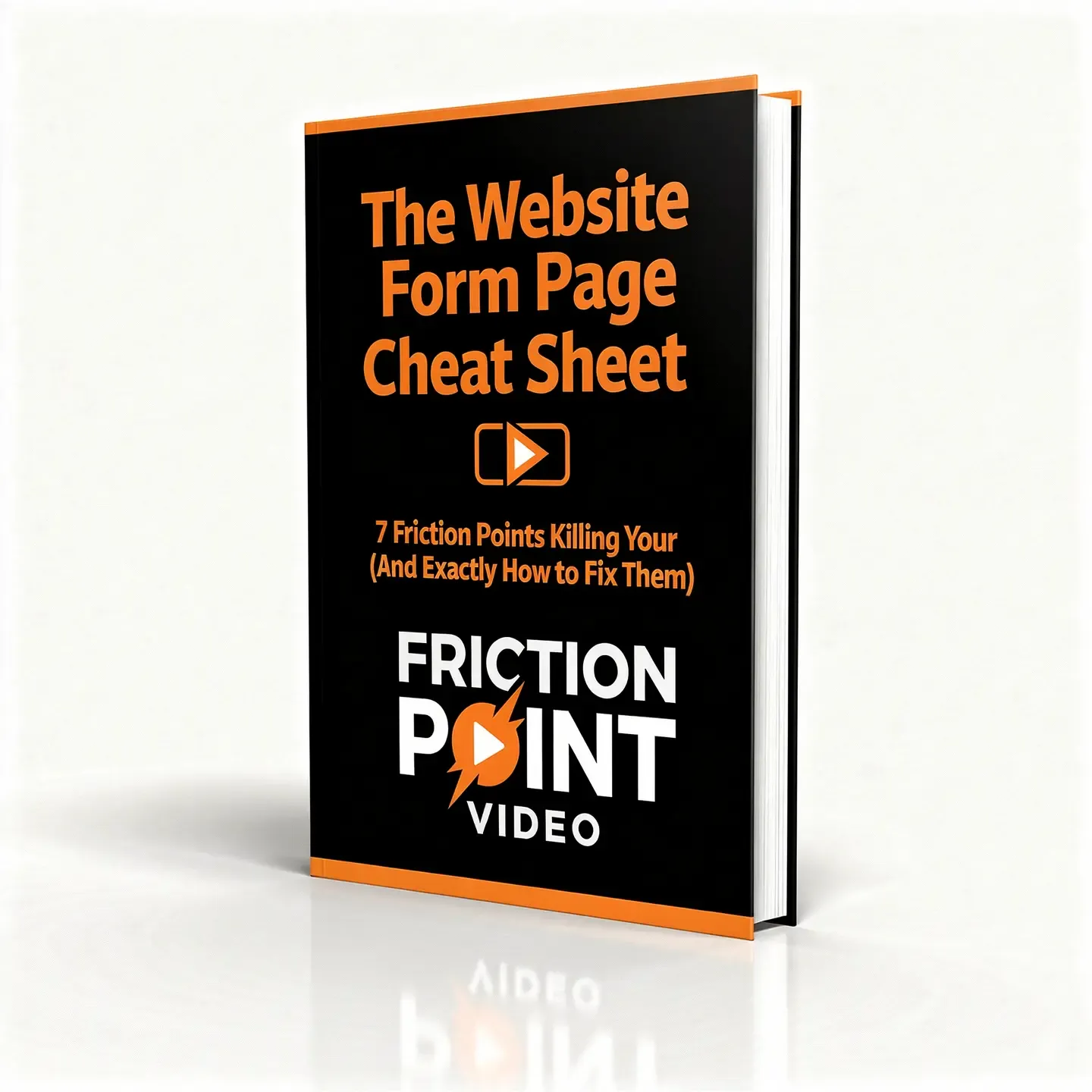
The Website Form Page Cheat Sheet — 7 friction points, 1 video script, a 10-point scorecard, and a 5-day plan to fix your worst form page this week.
🔒 Your details are safe. We'll never share them with anyone. Ever.
Honestly, it probably is.
If you have a website with a form on it — and that form isn't converting as well as it should — this cheat sheet is going to be useful. Full stop.
You're getting traffic but not enquiries
People are finding you, poking around, and then disappearing. You want to know what's stopping them before you spend another penny driving more traffic to the same broken pages.
Something feels off but you can't see what
You've read your own form page so many times you can't see it clearly anymore. You need a framework to look at it through fresh eyes — specifically a buyer's eyes.
You've been told you need video but nobody said which one
Everyone says "put a video on your website" and nobody says where, what it should say, or how long it should be. The cheat sheet answers that — specifically for form pages.
Probably not worth your time if: your form pages are already converting brilliantly (lucky you), you're not willing to change anything on your website regardless of what you learn, or you were hoping for a technical SEO fix. This is about trust and friction — not meta tags.
Your form pages are losing you leads right now.
Not maybe. Not possibly. Definitely. Every website does — the question is just how many and why. The cheat sheet takes about 20 minutes to read and the scorecard will tell you exactly what to fix first.
Get the Free Cheat Sheet ↑Free · Instant delivery · No spam · One-click unsubscribe